ManyChat Follow to DM Not Eligible or Not Available? Here’s Why and What to Do
You went to set up ManyChat’s Follow to DM and got a “not eligible” or “not available” message, or the trigger isn’t there at all. Here’s what that actually means, what you can try, and what to use instead.
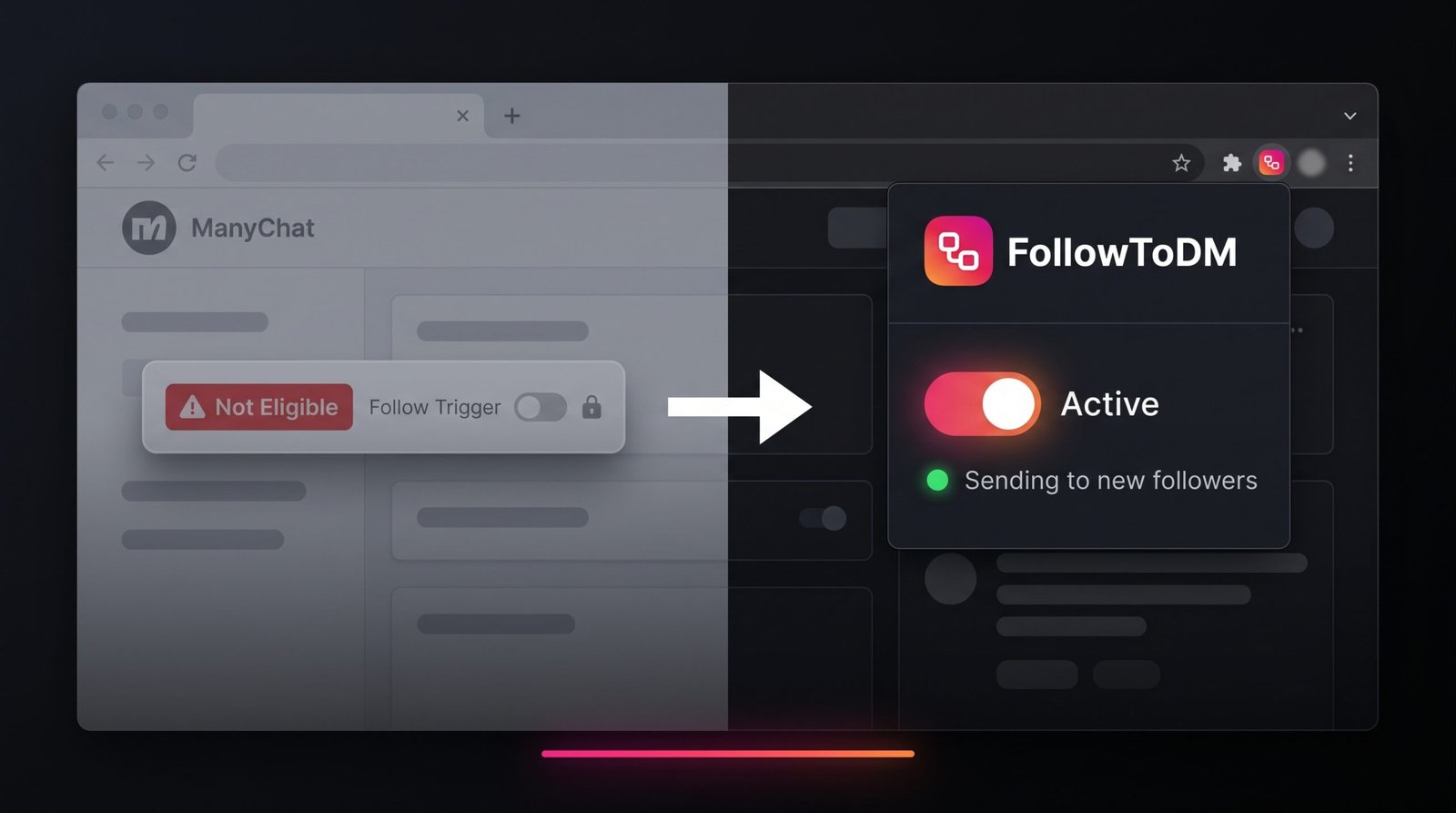
ManyChat’s Follow to DM is still a beta feature on Meta’s side, and Meta decides which accounts can use it. If ManyChat says the feature “isn’t available for your Instagram account,” your account isn’t in Meta’s beta right now. You need a Professional account to have any chance, but even then there’s no setting, plan, or application that unlocks it. If you want to DM new followers today, use FollowToDM, a Chrome extension that needs no Meta beta access, no Facebook Page, and works on Business, Creator, and personal accounts.
What “Not Eligible” and “Not Available” Actually Mean
Whether ManyChat calls it “not eligible,” shows a beta notice, or the follow trigger simply doesn’t appear, it’s usually the same thing. When you try to set it up, you’ll often see a message like this:
ManyChat’s Follow to DM trigger depends on Meta sending it a notification every time someone follows you. Meta only sends that to accounts it has included in the beta. So ManyChat isn’t the one deciding who gets the feature. Meta is, and ManyChat can only offer it to accounts Meta allows.
ManyChat’s own community team has confirmed this. When users asked why their account wasn’t eligible, the answer marked as best in the thread was that the feature is still in beta on Meta’s side, Meta limits access for some accounts, and ManyChat can’t see why a specific account is excluded or when that might change. It also isn’t caused by anything you did in ManyChat.
“it will not connect ‘Follow to DM’ and comes up with the message ‘it isn’t available for your Instagram account’”
“Not all accounts have access to it yet.”
ManyChat Follow to DM Requirements
To use the follow trigger in ManyChat, your account needs to clear every one of these. Missing even one leaves the feature unavailable.
Meta beta access Confirmed
The big one. Meta has to include your account in the Follow to DM beta. There’s no waitlist or application, and access can be added or removed without warning. This is the reason most people see “not available.”
Instagram Professional account Confirmed
ManyChat’s Instagram automations need a Business or Creator account. Personal accounts can’t use the follow trigger at all.
A healthy Instagram connection Check yours
Your Instagram needs to be properly connected to ManyChat with up-to-date permissions. If your account is linked through a Facebook Page, that Page link and its admin access need to stay intact too.
A supported region Varies
Meta’s messaging features roll out differently by country because of local privacy rules. In some regions, follow-triggered DMs may not be offered at all.
An account in good standing Varies
Accounts with messaging restrictions or policy warnings from Meta may lose access to messaging features, which can include the follow trigger.
Which Accounts Get Blocked
These are the most common situations where the follow trigger is missing, ineligible, or doesn’t work:
Lost access is one of the most common complaints in ManyChat’s community:
“Ours was working and sending to new followers, then it stopped sending and now says it’s in Beta”
Can You Fix It? What You Can Try
If the feature isn’t available, you can’t force access, but these steps rule out the fixable causes:
Switch to a Professional account
In Instagram, go to Settings → Account type and tools and switch to Business or Creator if you haven’t already. Without this, the trigger won’t work at all.
Refresh your Instagram permissions in ManyChat
Go to Help → Refresh Permissions, then check Settings to confirm Instagram shows as connected. Reconnect if anything looks off. This fixes connection-related problems, but not missing beta access.
Check again in a few days
Because Meta rolls the beta out on its own schedule, some accounts see the trigger appear later. Nothing guarantees it, but it costs nothing to check.
Contact Meta Business Support
A ManyChat moderator suggested contacting Meta directly through the Business Support chat in Meta Business Manager, and noted this may work better if your account has ad spend history.
Ask ManyChat support to check your logs
If the trigger shows as available but isn’t firing, ManyChat support can review your account. For a full troubleshooting checklist, see ManyChat Say Hi to New Followers not working.
If the feature still says “not available” after all of this, your account isn’t in Meta’s beta. At that point there are only two options: wait and hope Meta adds you, or use a tool that doesn’t depend on Meta’s beta at all.
Why FollowToDM Has No Eligibility Requirements
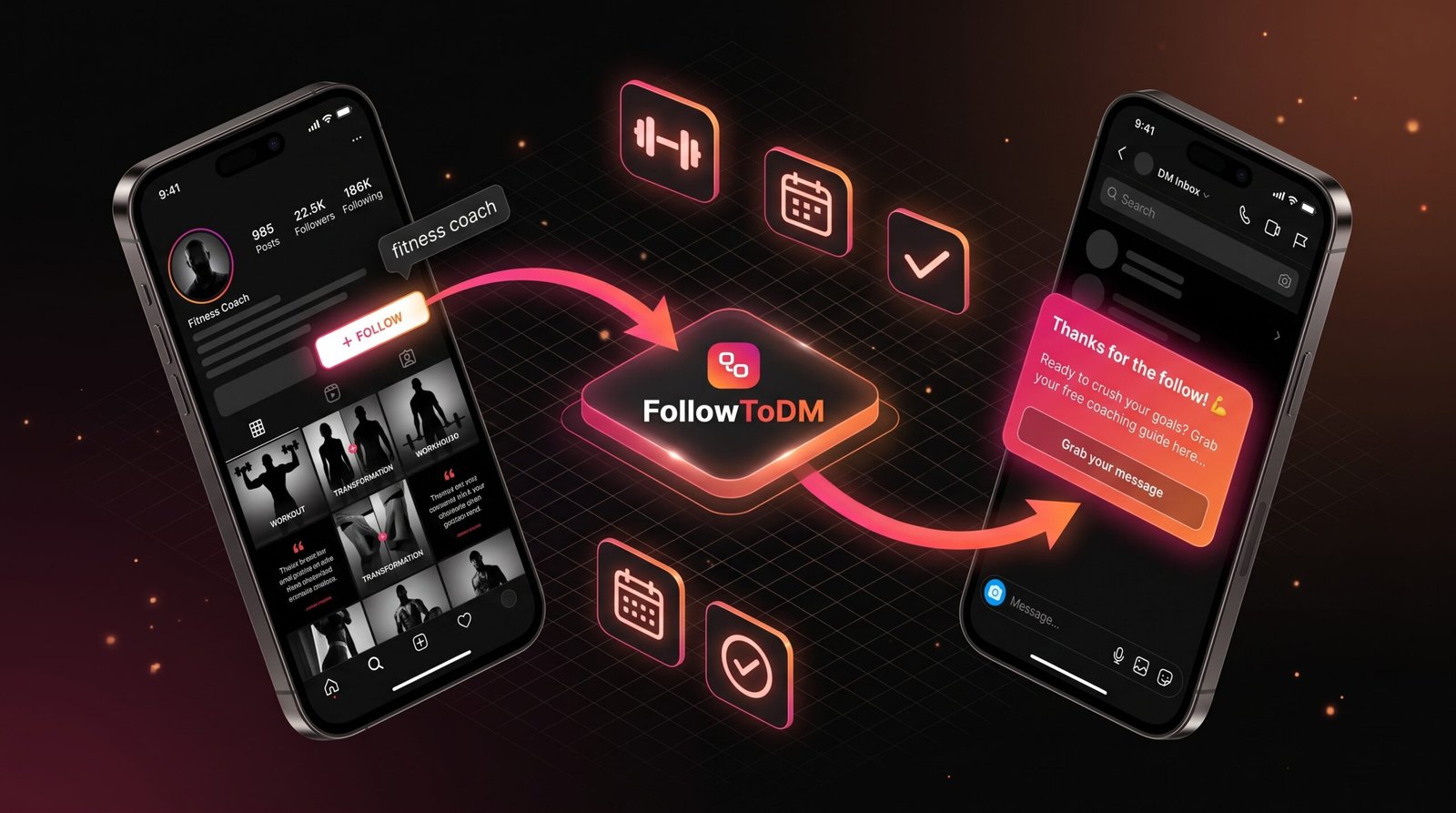
FollowToDM takes a different approach. Instead of waiting for Meta to send follow notifications, it runs as a Chrome extension inside your own Instagram session and checks your follower list every few minutes. Because it doesn’t use Meta’s follow trigger, there’s no beta, no eligibility check, and no Facebook Page needed.
If Instagram works in your Chrome browser, FollowToDM works for your account. For a full comparison, see our ManyChat vs FollowToDM breakdown or our ManyChat Follow to DM review.
How to Get Started with FollowToDM
Setup takes a few minutes, with no approval process or application to submit.
Create your account and install the extension
Sign up at followtodm.com and add the extension to Chrome from the Chrome Web Store.
Log into Instagram in Chrome
FollowToDM runs inside your own browser session, so Instagram sees normal activity from your own device. There’s no separate API connection.
Write your welcome DM
Personalize it with the follower’s first name, last name, or username. Keep it short, end with a question, and save links for after they reply. For ideas, see our 25 Instagram welcome DM templates.
Turn it on and let it run
Keep Chrome open in the background. FollowToDM checks for new followers every few minutes and sends each DM after a random 5 to 15 minute delay, so every message feels natural. If your PC is off, it catches up when you’re back.
For the full walkthrough, see how to automatically send a DM when someone follows you on Instagram.
Side-by-Side: ManyChat vs FollowToDM for Follow to DM
| Feature | ManyChat Follow Trigger | FollowToDM |
|---|---|---|
| Eligibility | Meta beta access + Professional account | ✓ None, any account type |
| Detection method | Waits for a Meta follow event | ✓ Checks your follower list directly |
| Can lose access later | ✗ Yes | ✓ No |
| Personal accounts | ✗ No | ✓ Yes |
| Facebook Page needed | Depends on how you connect | ✓ No |
| Region limits | ✗ Not in every country | ✓ Wherever Instagram works in Chrome |
| Send delay | Set manually in the flow | ✓ Random 5 to 15 minutes |
| Free plan | 25 active contacts a month | ✓ 15 DMs a month, no card |
That said, ManyChat is still the better choice for comment automation, story replies, and keyword triggers. If you use it for those, FollowToDM works as a dedicated add-on for new followers. Just keep ManyChat’s follow trigger off so nobody gets two welcome DMs.
FollowToDM Pricing
Plans are based on how many DMs you send, not on the size of your contact list, so costs stay predictable as you grow.
No Eligibility Required. Just Install and Go.
FollowToDM works for any Instagram account with no Meta beta, no Facebook Page, and no approval. Start with the free plan: 15 DMs a month, no credit card needed.
Try FollowToDM Free →Frequently Asked Questions
QWhy does ManyChat say I’m not eligible for Follow to DM?
Because the feature is a beta on Meta’s side and your account isn’t currently included. You also need a Professional (Business or Creator) account. ManyChat can’t see why a specific account is excluded, and there’s no plan upgrade or setting that changes it.
QWhat does “Follow to DM isn’t available for your Instagram account” mean?
It means Meta hasn’t given your account access to the follow trigger. It’s the same situation as “not eligible”: the feature is in beta, and Meta controls who gets it. It isn’t caused by anything you did in ManyChat.
QWhy is ManyChat’s Follow to DM not showing up in my account?
Usually because your account doesn’t have beta access, isn’t a Professional account, or has a connection problem. Switch to a Professional account and refresh permissions (Help → Refresh Permissions). If it still doesn’t appear, your account isn’t in Meta’s beta.
QCan I apply for access to ManyChat’s Follow to DM?
There’s no official application or waitlist. A ManyChat moderator suggested contacting Meta Business Support through Meta Business Manager, which may help more if your account has ad spend history, but there’s no guarantee.
QIt was available before and now it’s not. Why?
Meta can remove accounts from the beta without explanation. Refresh your permissions first in case it’s a connection issue. If the feature now shows as unavailable or “beta,” your access was removed, which many ManyChat users have reported.
QIs there a Follow to DM tool that works without a Facebook Page?
Yes. FollowToDM runs through your Chrome browser session rather than Meta’s API, so it doesn’t need a Facebook Page, beta access, or any API approval. It works on all account types right after installation.
QDoes FollowToDM work for personal Instagram accounts?
Yes. It works for personal, Creator, and Business accounts alike, so you don’t need to switch account types.
QIs FollowToDM available in my country?
If you can use Instagram in Chrome on your computer, FollowToDM works for your account. It doesn’t rely on Meta’s follow trigger, so it isn’t affected by where Meta has rolled that feature out.
QCan I use FollowToDM alongside ManyChat?
Yes, and many creators do. Keep using ManyChat for comment triggers, story replies, and keyword automations, and let FollowToDM handle new followers. If you ever get ManyChat’s follow trigger, keep only one of them sending the welcome DM.
QIf I become eligible for ManyChat later, should I switch back?
That’s up to you. Even eligible accounts miss some followers, because Meta limits follow DMs to one per person per week across all accounts and some follow events never arrive. Many creators who are eligible still prefer a dedicated tool for this one job.
QWill the DM land in the primary inbox or message requests?
The primary inbox. FollowToDM only messages people who just followed you, and Instagram puts messages from accounts you follow in the main inbox.
QHow much does FollowToDM cost?
The free plan gives you 15 DMs a month with no credit card and no expiration. Starter is $29/month for 20 DMs a day, and Premium is $49/month with unlimited sends. Agencies can get volume pricing for multiple accounts.
Not Eligible for ManyChat? FollowToDM Works for Everyone
No Meta beta. No Facebook Page. No approval. Just install the extension and start welcoming new followers automatically.
Start Free — 15 DMs/Month →Free plan • Upgrade from $29/month • No credit card required