ManyChat “Say Hi to New Followers” Not Working? Here’s Why and How to Fix It
ManyChat’s Follow to DM feature looks simple, but a lot of creators set it up and the welcome DMs never go out. Here is why it fails, a step-by-step checklist to fix it, and what to use when it can’t be fixed.
ManyChat’s Follow to DM (called “Say Hi to New Followers” inside ManyChat) is still a beta feature controlled by Meta. When it doesn’t fire, it’s usually because your account doesn’t have beta access, your Instagram permissions need refreshing, the follower already got a follow DM this week, or there’s a bug on Meta’s side. Start with Help → Refresh Permissions in ManyChat. If ManyChat says the feature “isn’t available for your Instagram account,” no setting will fix it, and you’ll need a tool that doesn’t depend on Meta’s beta, like FollowToDM.
ManyChat is one of the most popular Instagram automation tools, and Follow to DM sounds like exactly what every creator needs. You set up a welcome message, connect your account, and every new follower gets a personalized greeting automatically. At least, that’s how it’s supposed to work.
In reality, a lot of creators set it up and then notice nothing is happening. New followers arrive, no DM goes out, and there’s no error message. The automation shows as live, but the trigger shows zero runs. If that sounds familiar, you’re not alone, and in most cases it isn’t something you did wrong.
You’re Not the Only One
The ManyChat community is full of creators reporting the same thing:
“it will not connect ‘Follow to DM’ and comes up with the message ‘it isn’t available for your Instagram account’”
“Ours was working and sending to new followers, then it stopped sending and now says it’s in Beta”
“Mine was enabled and then disabled a few weeks later. I don’t see how I lost it, I don’t spam or anything”
“First this automation started having issues some weeks ago and followers wouldn’t get a DM, now I can’t even activate this feature”
The answer from ManyChat’s own community team is consistent: the feature is still in beta on Meta’s side, Meta decides which accounts can use it, and ManyChat can’t tell you why your account isn’t eligible or when that might change. In another thread from August 2026, a ManyChat moderator also pointed to a bug on Meta’s side stopping the trigger for some accounts.
Why ManyChat Is Not Saying Hi to Your New Followers
ManyChat’s follow trigger depends on a chain of things all working at once: Meta giving your account access, Meta sending ManyChat a signal every time someone follows you, and your ManyChat connection and automation being active. If any link breaks, the DM silently doesn’t send. Here are the most common causes.
1 Your Account Doesn’t Have Beta Access
Follow to DM is a beta feature, and Meta controls who gets it. Not all accounts have access, there’s no waitlist or application, and access can be removed later even if it was working before. If ManyChat shows “isn’t available for your Instagram account,” the message is coming from Meta’s side.
→ Check: Does the trigger show a “not available” or beta message when you try to set it up?
2 Meta Isn’t Sending the Follow Event
ManyChat doesn’t watch your follower list itself. It waits for Meta to tell it that someone followed you. When Meta delays or drops that signal, or has a bug, ManyChat never knows the follow happened, so nothing is sent and nothing is logged as an error. This is why the trigger can show zero runs even with real new followers.
→ Check: Are your other ManyChat triggers (comments, keywords) still working? If yes, the problem is specific to the follow event.
3 The Follower Already Triggered It (or Hit Meta’s Weekly Limit)
The trigger only fires once per follower, so someone who unfollows and follows again won’t get a second DM. On top of that, ManyChat’s team says Meta allows one Follow to DM message per person per week across all accounts. If a person followed another account using this feature first, your DM to them won’t send.
→ Check: Test with a friend’s account that has never followed you and doesn’t follow lots of other creators.
4 Your Instagram Connection or Permissions Expired
Instagram connections and permissions expire or break from time to time, and ManyChat doesn’t always warn you clearly. If your account is connected through Facebook, removing the Page, changing admins, or removing the ManyChat app from it can also break the link.
→ Check: In ManyChat, go to Help → Refresh Permissions, and confirm your Instagram shows as connected in Settings.
5 You’re Using the Wrong Account Type
ManyChat’s Instagram automations need a Professional account (Business or Creator). If your Instagram is set to personal, the follow trigger won’t work even if everything else is configured correctly.
→ Check: In Instagram, go to Settings → Account type and tools and confirm you’re on a Professional account.
6 The Trigger Isn’t Actually On (or Your Plan Changed)
A published flow isn’t the same as an active trigger. The follow trigger can switch off after a reconnection or platform update. A failed payment or plan change can also quietly disable automations while the flow still looks normal.
→ Check: Open the automation, confirm the “User follows your account” trigger is on, re-save it, and check your billing in ManyChat.
7 Your Region Isn’t Supported
Meta’s messaging features vary by region because of local privacy rules. In some countries, follow-triggered DMs may not be available at all, no matter how your account is set up.
→ Check: ManyChat’s help article on Follow to DM for current availability in your country.
ManyChat is genuinely powerful for comment automation, keyword replies, and flows. But the follow trigger depends on Meta giving your account beta access and reliably sending follow events. Meta controls both, so if your account isn’t eligible, there’s no workaround inside ManyChat.
How to Fix It: A 6-Step Checklist
Work through these in order. Most people find the problem in the first three steps.
Refresh your Instagram permissions
In ManyChat, go to Help → Refresh Permissions. ManyChat’s team says this often fixes trigger issues. Then check Settings to confirm Instagram shows as connected, and reconnect if you see any warning.
Check whether the feature is available to you
Confirm you’re on a Professional account. If ManyChat says Follow to DM “isn’t available for your Instagram account,” your account doesn’t have beta access. Skip to the alternative below, because no setting will change that. For more on this error, see ManyChat Follow to DM not eligible.
Make sure the trigger is on and your plan is active
Open the automation and confirm the follow trigger is enabled, not just that the flow is published. Re-save it even if it looks active. Then check that your ManyChat billing is current.
Test a different trigger
Have someone comment a keyword on a post with a keyword automation active. If that DM works, your connection is fine and the problem is the follow event itself. If it doesn’t, the problem is your account connection.
Test with a brand-new follower
Use an account that has never followed you before. Remember the trigger fires once per person, and Meta limits follow DMs to one per person per week across all accounts, so re-follows and very active followers won’t always get one.
Check for Meta-side issues and contact support
Check ManyChat’s status page and Meta Business Suite for any warnings. If everything looks fine and it still won’t fire, contact ManyChat support so they can review your account. At that point, the issue is almost always on Meta’s side.
If you’ve done all six and it still isn’t working, you have two choices: wait and hope Meta fixes it or gives your account access, or use a tool that doesn’t depend on Meta’s beta at all.
- No timeline for beta access
- Access can be removed later
- Depends on Meta sending every follow event
- Weekly limit means some followers never get a DM
- Professional account required
- No beta access needed, works today
- Checks your follower list itself
- Personal, Business, and Creator accounts
- No Facebook Page or country rules
- Free plan, no credit card
The Fix That Works on Any Account: FollowToDM
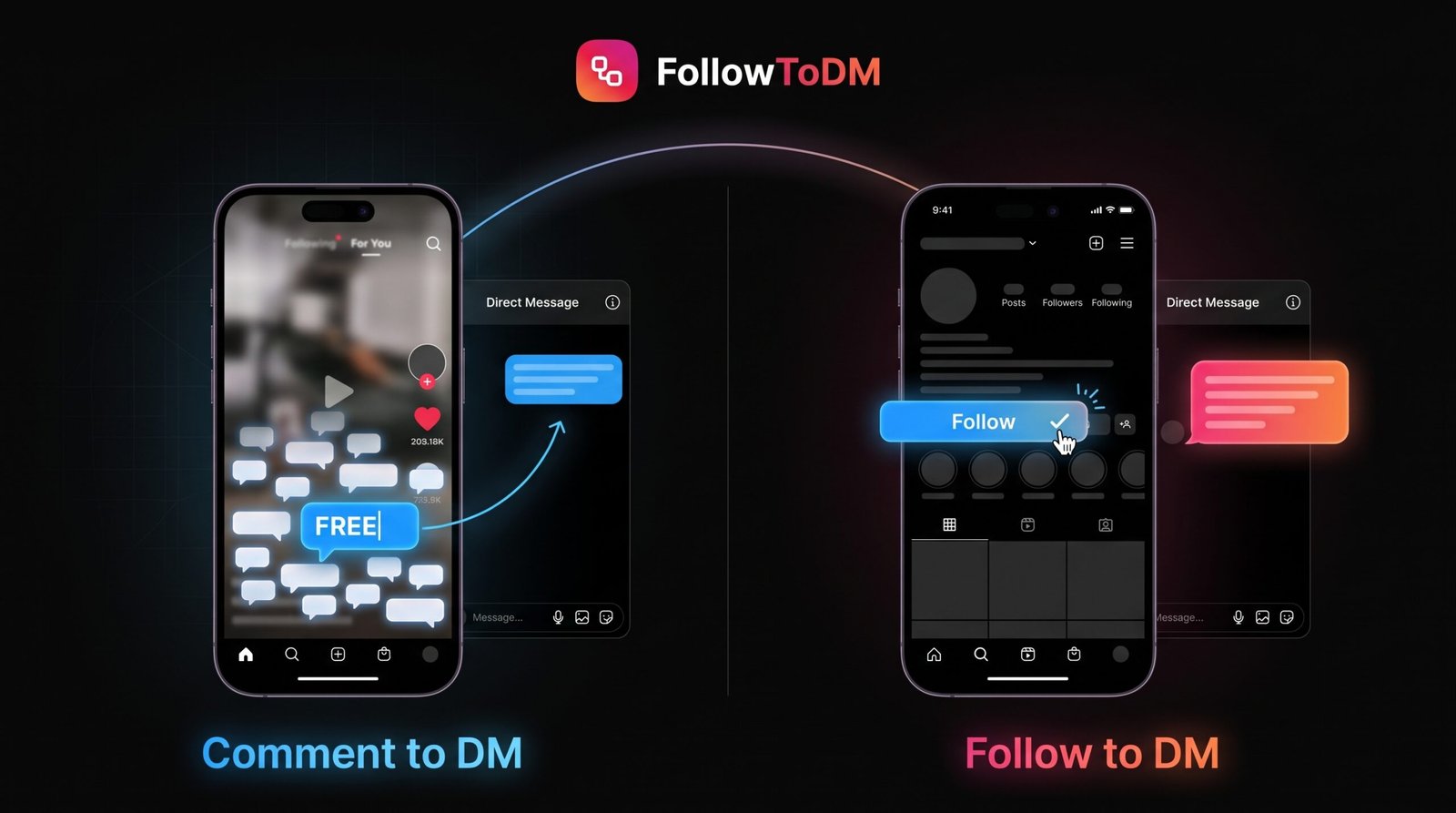
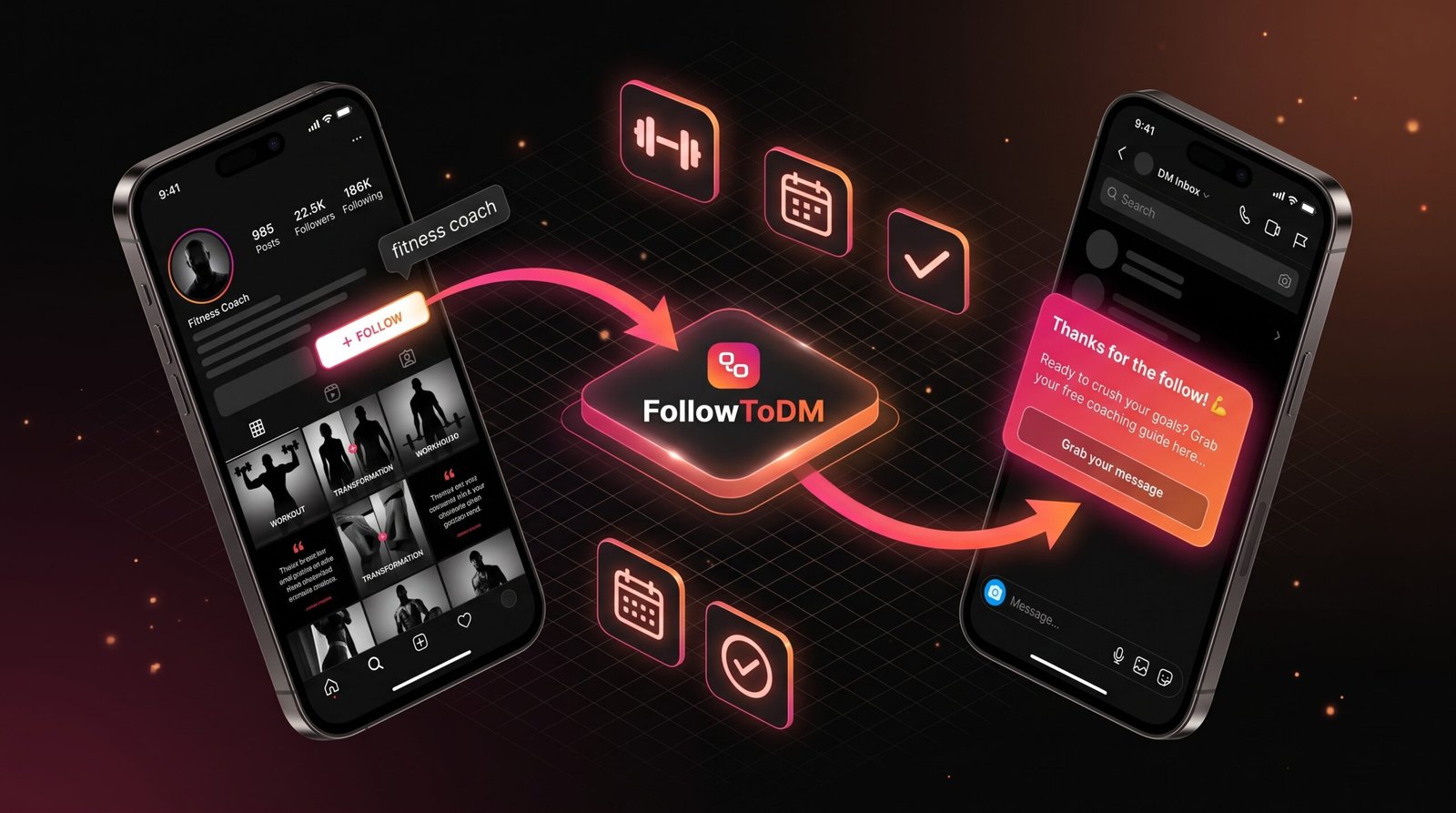
FollowToDM takes a different approach. It doesn’t use Meta’s follow trigger at all. Instead, it runs as a Chrome extension through your own Instagram session and checks your follower list every few minutes. When someone new shows up, it sends your welcome DM. That’s why it isn’t affected by beta access, eligibility rules, or dropped follow events.
✅ Why FollowToDM Works When ManyChat Doesn’t
ManyChat waits for Meta to tell it someone followed you. FollowToDM goes and checks on its own. When Meta’s follow events fail, ManyChat’s trigger goes quiet. FollowToDM keeps checking on schedule and keeps sending. It needs no Business Page, no country eligibility, and no API approval.
It also sends in a way that feels natural. After detecting a new follower, FollowToDM waits a random 5 to 15 minutes before sending, so the DM arrives like a real person noticed rather than firing the instant someone follows. And since the person follows you, your DM lands in their main inbox instead of message requests.
Want the full walkthrough? See how to automatically send a DM when someone follows you, or our guide on how to DM new followers without ManyChat.
ManyChat Not Sending Your Welcome DMs? This Will.
FollowToDM works on all account types with no beta access, no eligibility requirements, and no Business Page needed.
Start Free — 15 DMs/Month →Free plan • Upgrade from $29/month • No credit card required
How to Set Up Your Welcome Message With FollowToDM
Since it runs as a Chrome extension, setup takes a few minutes and there’s no API connection to configure.
Create your account and install the extension
Sign up at followtodm.com and add the extension to Chrome. No Business Page or developer account needed.
Log into Instagram in Chrome
Log in as you normally would. FollowToDM works through that browser session, so there’s no separate API approval step.
Write your welcome message
Personalize it with the follower’s first name, last name, or username. Keep it short, end with a question, and save links for after they reply. Need ideas? Grab our 25 Instagram welcome DM templates.
Turn it on and keep Chrome open
Activate the automation and leave Chrome running in the background. FollowToDM checks for new followers every few minutes and sends your message after a natural random delay. If your PC is off, it catches up when you’re back.
FollowToDM vs ManyChat for Saying Hi to New Followers
Both tools aim to welcome new followers, but they work very differently behind the scenes.
| Feature | FollowToDM | ManyChat Follow to DM |
|---|---|---|
| How it detects new followers | ✅ Checks your follower list directly | Waits for Meta to send a follow event |
| Beta access needed | ✅ No | ❌ Yes, controlled by Meta |
| Account types | ✅ Personal, Business, Creator | ❌ Professional accounts only |
| Facebook Page or country rules | ✅ None | ❌ Depends on Meta’s rules for your account |
| Missed follows | ✅ Catches up on new followers since the last check | ❌ Missed if the follow event doesn’t arrive |
| Send delay | ✅ Random 5 to 15 minutes, built in | Set manually in the flow |
| Free plan | ✅ 15 DMs/month, no card | Check ManyChat’s current plans |
| Best for | Welcoming every new follower | Comment, keyword, and story automations |
The core difference is the technology underneath. ManyChat depends on Meta granting your account access and sending every follow event, which is outside your control. FollowToDM bypasses that by working through your own browser session. For a deeper breakdown, read our ManyChat Follow to DM review or ManyChat vs FollowToDM.
Switching From ManyChat? You Can Keep It for Everything Else
If both tools run at once, a new follower could get two welcome DMs. Pause the ManyChat follow automation before turning on FollowToDM.
You don’t have to leave ManyChat. Use it for comment-to-DM, keyword replies, and story flows, and let FollowToDM handle new followers.
Flow-builder messages often read like templates. A short, plain message that sounds like you typed it usually gets more replies.
Give it a fair test. Compare your reply rate to what you saw in ManyChat, keeping in mind more DMs are now actually being delivered.
FollowToDM Pricing
The free plan is a real starting point, not a short trial, so you can confirm it works on your account before paying anything.
Frequently Asked Questions
QWhy is ManyChat’s “Say Hi to New Followers” not working?
The most common reasons are that your account doesn’t have beta access from Meta, Meta isn’t sending the follow event (sometimes due to a bug on Meta’s side), the follower already triggered it or hit Meta’s one-per-week limit, your permissions need refreshing, or you’re not on a Professional account. Start with Help → Refresh Permissions, then work through the checklist above.
QWhy does ManyChat say Follow to DM “isn’t available for your Instagram account”?
Because the feature is in beta on Meta’s side and your account isn’t currently included. ManyChat’s team says they can’t see why an account is ineligible or when that will change. You can try contacting Meta support through Meta Business Suite, but there’s no setting that unlocks it.
QIt was working and then stopped. What happened?
Either your account’s beta access was removed, your Instagram permissions expired, or there’s a temporary issue on Meta’s side. Refresh permissions first. If the feature now shows as unavailable, access was removed, which is one of the most common complaints in the ManyChat community.
QWhy do some new followers get the DM and others don’t?
The trigger fires only once per follower, and Meta allows one Follow to DM message per person per week across all accounts. So people who re-follow you, or who recently followed another account using the same feature, won’t get your DM. Dropped follow events from Meta can also cause random misses.
QIs there a ManyChat alternative that works for new followers?
Yes. FollowToDM is a Chrome extension that DMs new followers without needing beta access, a Business Page, or country eligibility. It works on personal, Business, and Creator accounts. See how it compares in our list of the best tools to message new followers.
QCan I use FollowToDM and ManyChat at the same time?
Yes, but only one should send the new-follower DM. Turn off ManyChat’s follow trigger, let FollowToDM handle new followers, and keep using ManyChat for comment and keyword automations.
QWill the welcome DM land in the primary inbox or message requests?
The primary inbox. Since the person just followed you, Instagram puts your message in their main inbox rather than message requests, so it actually gets seen.
QCan FollowToDM get my account banned?
FollowToDM is built to behave like a normal user: one message per new follower, a random delay, and daily limits, all through your own browser. Any automation carries some risk, so keep your message genuine and avoid links in the first DM. We explain more in why most Instagram DM tools get accounts banned.
QWill ManyChat’s Follow to DM ever work properly?
It depends on what Meta does with the beta. It may roll out to more accounts, stay limited, or change. There’s no public timeline, so if new-follower DMs matter to your business, it’s safer not to depend on it alone.
QCan I use FollowToDM for free?
Yes. The free plan includes 15 DMs per month with no credit card and no expiration, enough to confirm it works on your account before upgrading.
Done Waiting for ManyChat to Work? Try This Instead.
FollowToDM works on every account type, needs no beta access or Business Page, and starts completely free.
Start Free — 15 DMs/Month →Free plan • Upgrade from $29/month • No credit card required