Why Your Instagram DMs Land in Requests — And How to Fix It
The inbox placement problem nobody talks about, and the one shift that sends your messages straight to the primary inbox every time.
You send a DM. The person never replies. A week later you find out it was sitting in their message requests folder the whole time — unread, unseen, competing with spam. That is one of the most frustrating things about outreach on Instagram, and it happens far more often than most people realize.
The good news is that Instagram’s inbox placement is not random. There is a clear logic behind it, and once you understand the rules, you can consistently get your messages into the primary inbox where people actually see them. This post breaks down exactly why DMs end up in requests, what you can do about it, and how to build a simple system that avoids the problem altogether.
What Are Instagram Message Requests?
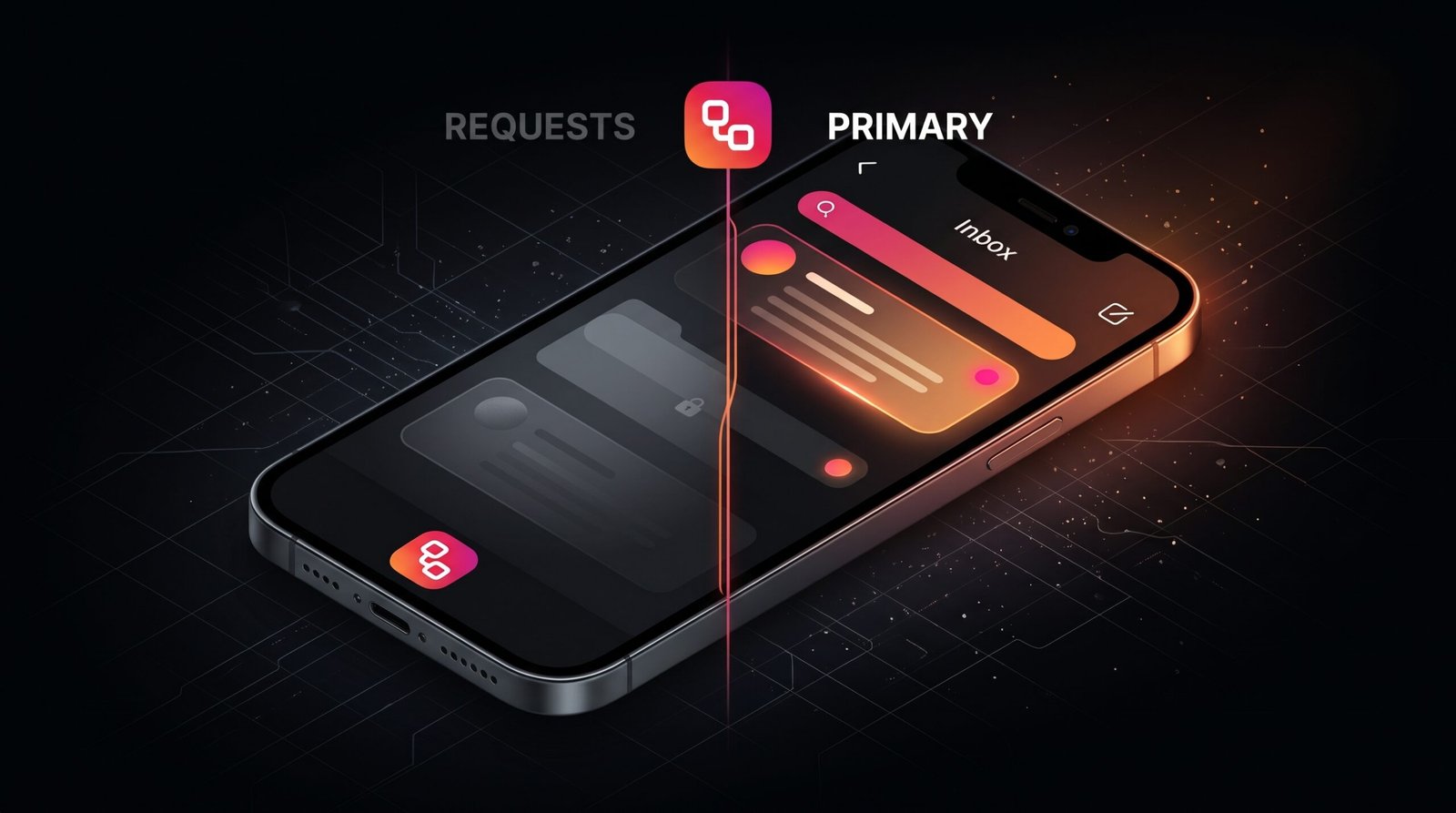
Instagram splits incoming DMs into two separate spaces. Most people only check one of them.
Messages from accounts you follow. Notifications fire. High open rate.
Messages from accounts you don’t follow. No notification. Often ignored for days.
When a message lands in requests, Instagram does not notify the recipient. They have to manually open that folder and accept the message before a real conversation can start. For most users, that folder sits unchecked for days — or forever. So even a perfectly written DM becomes invisible the moment it routes there instead of the primary inbox.
Why Your DMs Are Going to Message Requests
There are several reasons a DM ends up in the requests folder instead of the primary inbox. Understanding each one helps you figure out which situation applies to your account.
- The recipient does not follow you back This is the most common reason. Instagram treats messages from accounts the recipient does not follow as unknown contact attempts. Those go straight to requests, no matter how warm your message is.
- Your account is relatively new or has low activity Instagram’s algorithm treats newer accounts with limited post history as higher-risk senders. Even if the recipient follows you, a brand-new account can sometimes be routed to requests as a precaution.
- You are sending at high volume in a short window Sending large batches of DMs quickly triggers Instagram’s spam filters. When that happens, messages either get throttled or pushed to requests as a protective measure. Adding randomized delays between sends avoids this entirely.
- The recipient has strict privacy settings enabled Some users set their account to filter messages from non-followers aggressively, or they use the “Hidden Words” filter, which automatically moves messages with flagged phrases into a filtered requests folder — separate from the standard requests folder and even harder to find.
- Your message contains external links or trigger phrases Instagram’s filters flag messages that contain URLs, certain call-to-action phrases, or patterns that match known spam templates. A message that would otherwise reach the primary inbox can get demoted if it looks promotional.
The Inbox Rule That Changes Everything
Here is the core principle that makes all the difference. Instagram routes a DM to the primary inbox when the recipient follows the sender. That is the clearest and most reliable inbox placement signal the platform uses.
If someone follows your account and you send them a DM, that message goes to their primary inbox — not requests. They get a notification. They see it. The conversation has a real chance of starting.
This means the timing of your outreach matters enormously. A DM sent the moment someone follows you is not just timely — it is also virtually guaranteed to hit their primary inbox, because they have just signaled to Instagram that they want to hear from you. That is the window where your message gets seen, not filtered.
It is also why sending DMs to new Instagram followers works so much better than cold outreach. You are not reaching out to strangers — you are responding to a clear signal of interest from someone who chose to follow you.
How to Make Sure Your DMs Always Hit the Primary Inbox
There is no magic setting that overrides Instagram’s routing logic entirely. However, you can absolutely structure your outreach to work with the system instead of against it. These steps consistently produce primary inbox placement.
- Only DM people who follow you first Do not send the first message to someone who has not followed you. Wait for the follow, then reply. That single rule eliminates the most common cause of request routing immediately.
- Send your DM within the first few hours of the follow The earlier you reach out after a follow, the higher your chances of a reply. Interest is at its peak in those first few hours, and the inbox placement is already guaranteed because they follow you. Waiting days shrinks both the delivery advantage and the engagement window.
- Keep your opening message short and personal A long first message with multiple questions, links, or promotional language looks like a template to both humans and Instagram’s filters. A short, warm, personal opener with no links performs best for inbox placement and reply rate.
- Avoid links in the first message Save any links for the second or third message, after the conversation has already started. A link in the first DM is one of the fastest ways to trigger Instagram’s spam filters, even when the message is otherwise clean.
- Add randomized delays between sends if you are messaging multiple people Sending dozens of DMs back-to-back in the same hour looks like automated spam to Instagram’s system. Spreading messages out with varying delays — and keeping daily volumes reasonable — protects your account and your inbox placement.
Some people suggest following everyone back so their replies reach your primary inbox. That works in theory but destroys your follower-to-following ratio, which affects how new visitors perceive your account. The better solution is to be the account people follow first — then your outreach is already positioned perfectly.
Primary Inbox vs Message Requests: A Quick Comparison
To make the difference concrete, here is how the two destinations compare from a practical outreach standpoint.
| Factor | Primary Inbox | Message Requests |
|---|---|---|
| Push notification sent | Yes | No |
| Recipient needs to accept first | No | Yes |
| Typical open rate | High | Low to very low |
| Reply rate | Strong | Weak |
| When it happens | Recipient follows the sender | Recipient does not follow the sender |
How FollowToDM Solves This Automatically
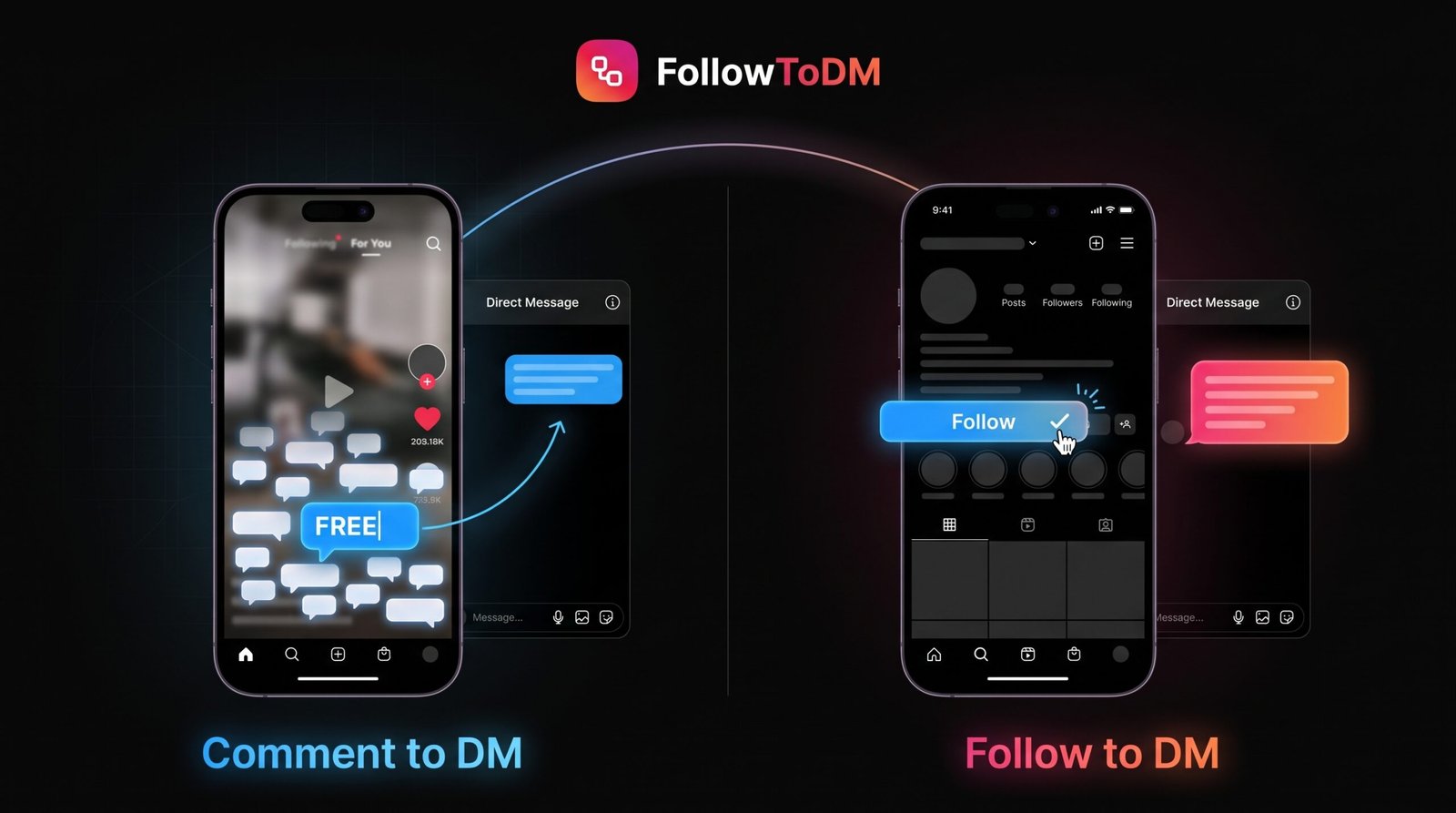
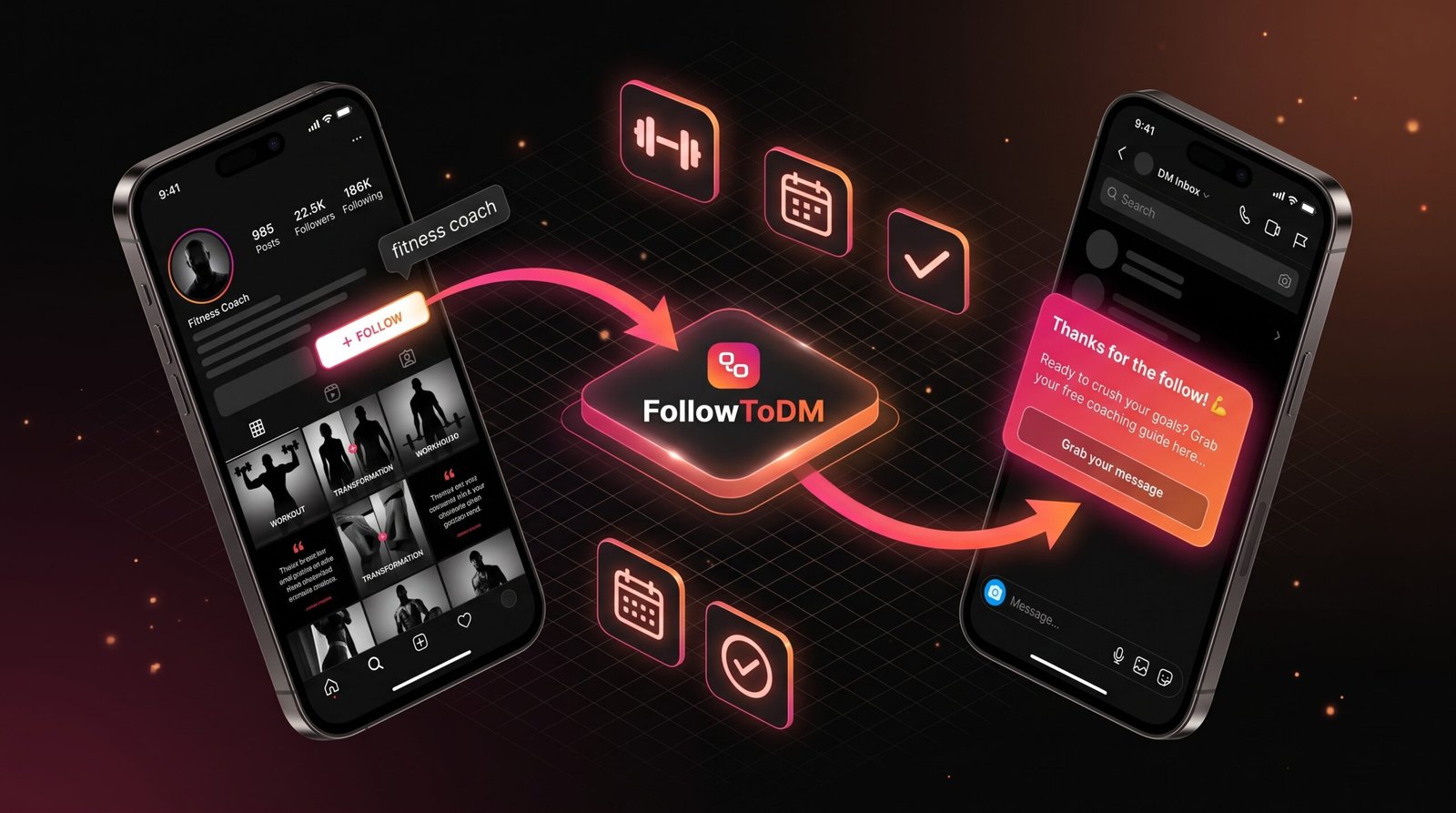
The entire premise of FollowToDM is built around this exact mechanism. Instead of sending cold DMs that land in requests, the tool watches for new followers on your account and sends a welcome message only after someone follows you. Because the recipient already follows you, every single DM routes to their primary inbox — not requests.
On top of that, FollowToDM adds a randomized delay of 5 to 15 minutes between the follow event and the send. So the message does not arrive at the exact second of the follow, which would look obviously automated. It arrives a few minutes later, feeling more natural, which helps reply rates alongside the inbox placement.
- Every message goes to the primary inbox because the recipient follows you
- The randomized send delay keeps your outreach looking natural
- You stay within daily limits to avoid triggering spam filters
- Your message template is customizable — no generic copy-paste vibes
- No Meta API required — runs entirely through your browser session
If you have been getting low reply rates on your welcome DMs and suspect inbox placement is part of the problem, the timing of your sends is worth reviewing alongside the content of the message itself. Both factors work together.
What to Do If Your Messages Are Still Getting Filtered
Even when the recipient follows you, a small percentage of messages can still end up in the hidden filtered requests folder if Instagram’s spam detection flags the content. Here is what to check if you are still seeing low engagement despite following all the rules above.
- Remove any URLs from your first message Even your own website link can be enough to trigger a filter. Move it to a follow-up message after the person replies.
- Rephrase anything that sounds like a generic template Phrases like “I noticed you followed me” or “just wanted to reach out” are used so often by automated tools that Instagram’s system recognizes and flags them. Use natural, specific language instead.
- Check for flagged words in your template Instagram’s Hidden Words filter lets users block messages containing specific terms. Words like “DM me,” “click the link,” “free,” or anything that reads like a sales pitch can trigger this filter. Read your template out loud — if it sounds like an ad, rewrite it to sound like a person.
- Review your sending volume If you are sending more than 40 to 50 DMs per day, you are in a zone where Instagram starts watching more closely. Reducing daily volume and adding more randomized delay between sends usually solves this.
- Check whether your account has any active warnings If Instagram has already flagged your account for policy issues, your DMs may be systematically filtered until the restriction lifts. The Instagram app will usually show a notice in your settings if this is happening.
Send your welcome message template to a test account you control that does not follow your main account. If it lands in requests, the content itself is the issue. If it lands in the primary inbox once you follow your main account from the test account, the system is working as expected.
Frequently Asked Questions
QDoes a business account get sent to requests more than a personal account?
Not by default. Instagram’s inbox routing is based on the follow relationship, not the account type. That said, business accounts that send high volumes in short windows can be flagged more quickly because Instagram monitors outreach patterns more closely on professional accounts.
QCan I see if my DM landed in someone’s requests folder?
Not directly. Instagram does not give senders visibility into where a message was placed. If someone does not respond and you know your message was good, requests placement is often the reason. The fix is to adjust your outreach so you are only DMing people who already follow you.
QWhat is the “filtered requests” folder and how is it different from regular requests?
Regular message requests are visible to the recipient — they just have to accept them. Filtered requests are hidden even further inside the settings and most users never check them. Messages land there when Instagram’s spam detection or the user’s Hidden Words filter catches them. Getting out of filtered requests is harder than avoiding regular requests, which is why clean message content matters so much.
QIf I follow someone first, will my DM go to their primary inbox?
Not necessarily. Following someone puts you in their awareness, but your DM still goes to requests if they have not followed you back yet. The rule works the other way around — their DM to you would go to your primary inbox because you follow them. For your outreach to reach their primary inbox, you need them to follow you first.
QDoes FollowToDM guarantee primary inbox delivery?
Because FollowToDM only sends a message after someone follows your account, the recipient is always a follower of yours at the time the DM goes out. That means primary inbox placement is the default outcome. The only exception is if the recipient’s own hidden words or spam filters catch the message content, which is why keeping your template clean and link-free matters.
QHow many DMs can I send per day without getting filtered?
There is no official number from Instagram. Most accounts that focus on quality stay comfortably under 50 DMs per day. Accounts with high follower counts and strong engagement history can often handle more. The key variable is not just the number but the pattern — randomized delays, varied message content, and consistent daily limits protect you far better than a single hard cap.
Stop Sending DMs That Nobody Reads
FollowToDM sends your welcome message the moment someone follows you — right to their primary inbox, every time.
Start Free — 15 DMs/Month →Free forever • Upgrade from $29/month • No credit card required