Instagram DM Automation
What Is Follow to DM? How It Works on Instagram
Quick Answer
Follow to DM automatically sends a personalized welcome message to every new Instagram follower after a short delay. Write your message once, and the tool handles the rest.
How to use it?
Start for free at FollowToDM.com. No credit card required. Setup takes just 30 seconds.
The Basics
What Does “Follow to DM” Mean?
When someone follows your Instagram account, they’re showing interest. They’ve seen your content, your profile, or your brand and they clicked follow. In a way, they just raised their hand and said “I’m interested.”
The problem is that most businesses and creators don’t do anything with that moment. The new follower scrolls away, gets distracted, and forgets they even followed you.
Follow to DM is the practice of automatically sending that person a direct message shortly after they follow, while they’re still paying attention. Instead of hoping they’ll engage with your content later, you start the conversation right away and turn a passive follower into an active conversation.
You may have first seen the term on ManyChat, which has a feature called “Follow to DM.” But follow to DM is not a ManyChat-only feature. It is a broader strategy, and different tools do it in different ways. We cover both below.
How It Works
How Does Follow to DM Work?
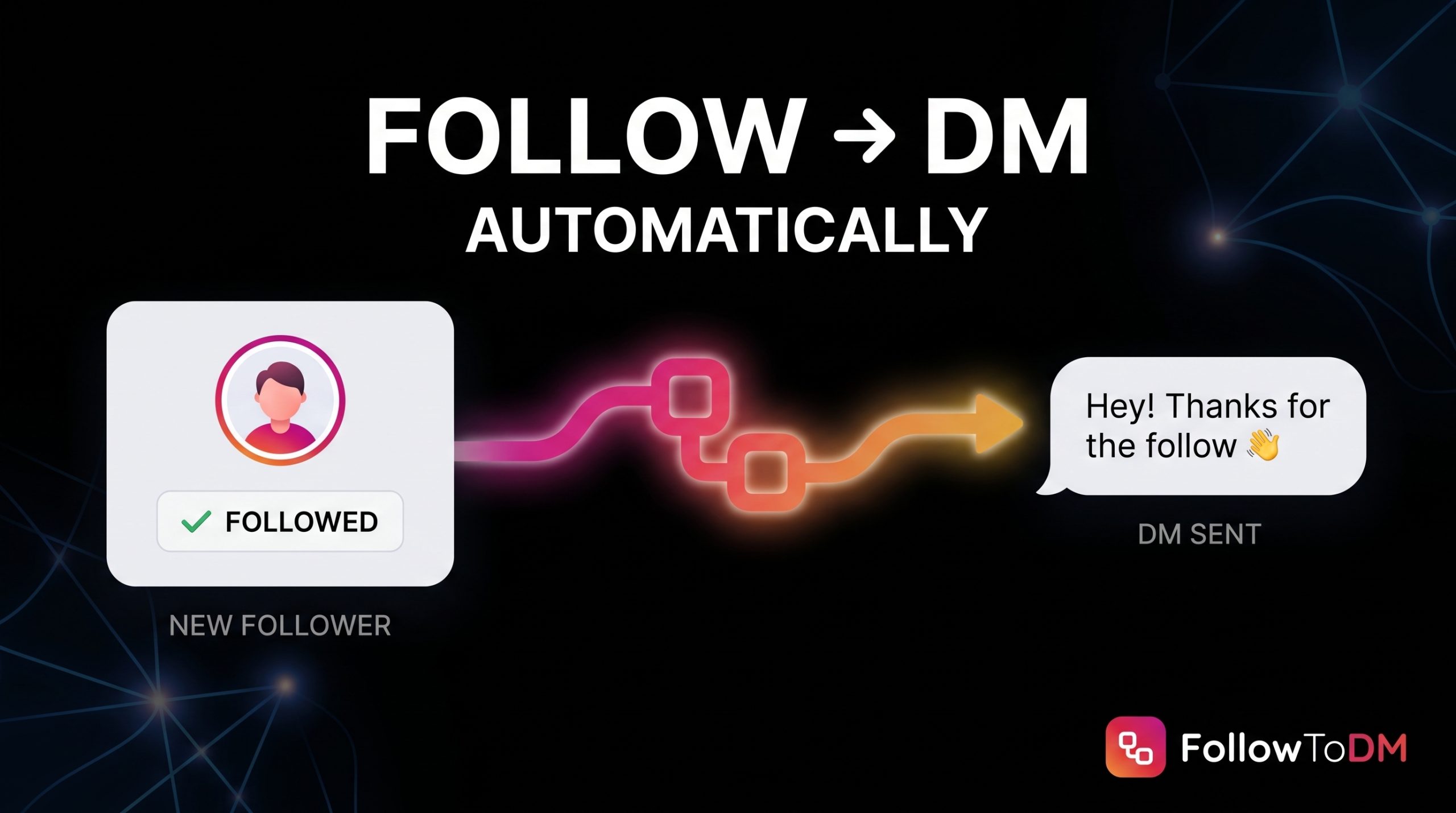
Here is how follow to DM works step by step with a dedicated tool like FollowToDM:
- Someone follows your Instagram accountA new follower arrives. Could be from a Reel, a story, a tag, or a direct search.
- The tool detects the new followFollowToDM watches your follower list and picks up the new follower on its own. It does not depend on Instagram sending a notification to a third-party app.
- Your DM is sent automaticallyYour pre-written message goes out on a random delay of 5 to 15 minutes, personalized with their first name, last name, or username. The delay makes the message feel like it came from a real person, not a bot that fired instantly.
- They reply and the conversation startsThe reply lands in your Instagram inbox like any normal DM. From there, you or your team continue the conversation.
Worth knowing: Follow to DM only works for new followers going forward. It does not send messages to people who already followed you before you set up the automation.
Two Approaches
How Follow to DM Tools Work: API Apps vs. Browser Extensions
Not every follow to DM tool works the same way behind the scenes, and that affects how reliable it is.
API-based platforms like ManyChat connect to Instagram’s official API. You build a flow in their dashboard that is triggered by a new follower. When someone follows you, Instagram is supposed to pass that event to ManyChat, and ManyChat sends your welcome DM. When it works, it works well. But the tool can only react if that new follower event reaches it, and users regularly report follow-triggered messages that arrive late or never send at all. The follow trigger also has eligibility requirements, so not every account can use it.
Browser extensions like FollowToDM run in your Chrome browser while you’re logged into Instagram. Instead of waiting for a notification from Instagram, the extension checks your follower list itself, spots new followers, and queues the DM. That is why it can catch every new follower, and why it picks up any follows it missed when you come back online.
| What you’re comparing | API-based (e.g. ManyChat) | Browser extension (FollowToDM) |
|---|---|---|
| How it detects new followers | Waits for Instagram to send a new follower event | Checks your follower list directly |
| Missed followers | Possible if the event is delayed or never arrives | Catches up on any follows detected since the last check |
| Account requirements | Follow trigger has eligibility rules | Personal, Business, and Creator accounts |
| Setup | Flow builder with many options | Install, write your message, turn it on |
| Runs when | In the cloud, 24/7 | While your browser is open; resumes when you’re back |
| Built for | Many automations (comments, keywords, flows) | One job: DMing new followers |
If ManyChat’s follow trigger isn’t sending for you, our guide on fixing ManyChat’s new follower DM explains the common causes, and you can also see how to DM new followers without ManyChat.
Who It’s For
Who Uses Follow to DM?
Follow to DM is useful for anyone who depends on Instagram to start conversations, whether that’s to generate leads, drive sales, or build a community. The most common users are:
📱
Content Creators
Send new followers your best links, invite them to your community, or share exclusive content automatically.
💼
Coaches & Consultants
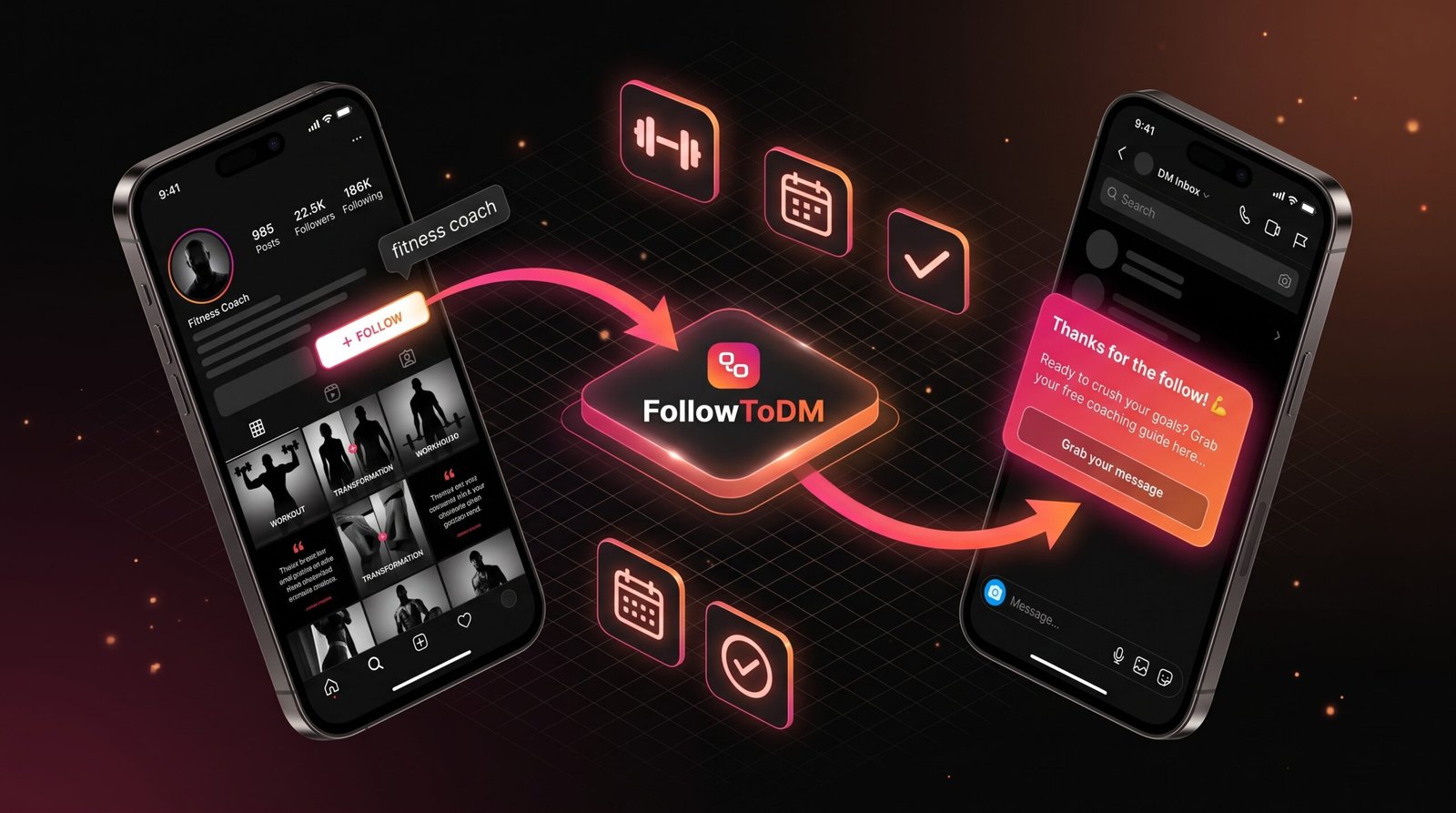
Start a conversation the moment someone shows interest. Invite them to a free call or send a lead magnet.
🏢
Businesses & Brands
Turn new followers into leads before they lose interest. A well-timed DM can be the start of a sale.
🤝
Agencies
Run Follow to DM automations for client accounts and start conversations for every client automatically.
🧑💻
Personal Brands
Stay connected with your growing audience without spending hours in your DM inbox.
🎯
Lead Generation
Anyone using Instagram to drive leads can use Follow to DM to start the pipeline automatically.
Why It Works
Why Follow to DM Is Worth Setting Up
Most Instagram accounts lose new followers fast. People follow tens or hundreds of accounts. If you don’t do something to stand out right away, you become just another profile in their feed.
A direct message changes that. It’s personal, it’s in their inbox, and it shows up separately from posts and stories. A good DM creates a real one-on-one moment, which is rare and memorable on a platform built for public content. That’s why DMing new followers is one of the simplest ways to get more replies, leads, and sales from the followers you already earn.
The reason businesses don’t do this manually is simple: it doesn’t scale. If you’re getting 20, 50, or 500 new followers a week, you can’t personally message each one without spending hours on it. Follow to DM automates the repetitive part of sending the first message, while keeping the conversation human once someone replies.
The best Follow to DM messages are short, personal, and offer something useful. A free resource, a question, an invitation. The goal is a reply, not a sale.
Manual vs. Automated
Sending DMs Manually vs. Using Follow to DM
| What you’re comparing | Manually DMing followers | Follow to DM (FollowToDM) |
|---|---|---|
| Time required | You write every message by hand | Write once, runs automatically |
| How fast the DM goes out | Whenever you remember to check | Sent within 5 to 15 minutes of detection to keep it looking natural |
| Scales with follower growth | No, gets harder as you grow | Yes, works the same at 10 or 10,000 followers |
| Consistency | Depends on your availability | Every new follower gets messaged |
| Personalization | Can be high, but takes more time | Includes first name, last name, and username automatically |
| Works while you’re offline | No | Catches up on missed follows when you come back online |
Message Strategy
What to Say in a Follow to DM Message
Whichever tool you use, the message matters as much as the automation behind it. These rules get the most replies:
- ✅Lead with value, not a pitch. Don’t sell anything in the first DM. Welcome them, ask a question, or offer something free.
- ✅Use their name. “Hey Sarah” feels personal. “Hey there” feels like a mass message.
- ✅Keep it short. Two to three sentences. Nobody reads a wall of text from an account they just followed.
- ✅End with an easy question. “What brought you here?” or “What are you working on right now?” invites a real reply without pressure.
- ✅Save links for later. Wait until they reply before sending a link. It keeps the first message clean and personal.
- ✅Get the timing right. Reach out while they still remember following you, but not the same second. A few minutes later feels natural. Here is more on when to send a DM after someone follows you.
Example: “Hey Sarah, thanks for the follow! I share tips on [your topic] here every week. Curious, what made you check out my page?”
Need more ideas? Grab our 25 copy-paste welcome DM templates or see what to say when someone follows you on Instagram.
Honest Take
What Follow to DM Does Well and What to Keep in Mind
- ✓Starts conversations you’d never have time to start manually
- ✓Runs automatically with no daily effort required
- ✓Reaches new followers while they’re still engaged
- ✓Scales with your account growth without extra work
- ✓Catches up on new followers detected while you were offline
- ✓Personalizes messages with first name, last name, or username
- !Only triggers on new follows, not people already following you
- !The extension needs to be active and your PC on for the automation to run. When you shut down, it pauses and resumes when you’re back, sending any DMs to followers detected since the last check
- !You still need to be available to reply when conversations start
Which Tool?
ManyChat Follow to DM vs. FollowToDM: Which Should You Use?
The honest answer depends on what you need.
🤖
Choose ManyChat if…
You want a full chatbot platform with comment-to-DM, keyword replies, and multi-step flows, and new follower DMs are just one small part of what you need.
👋
Choose FollowToDM if…
Welcoming every new follower is your main goal. It does that one job, it is quick to set up, and you don’t pay for features you’ll never use.
Many accounts use both: ManyChat for comment and keyword automations, FollowToDM for new follower DMs. See our full ManyChat vs FollowToDM comparison or the list of the best tools to message new followers.
Getting Started
How to Set Up Follow to DM with FollowToDM
FollowToDM is built specifically for automatically sending DMs to new Instagram followers. Here’s how to get started:
- Create your FollowToDM accountSign up at FollowToDM.com and try it free before committing.
- Install the Chrome extension and link your Instagram accountAdd the FollowToDM extension to Chrome, then connect your Instagram account. Personal, Business, and Creator accounts are all supported.
- Write your welcome messageCreate the DM you want new followers to receive. Add their first name, last name, or username, and write it like you’d actually send it yourself.
- Turn on the automationActivate the Follow to DM flow and keep Chrome open and logged into Instagram. From this point, every new follower receives your message automatically.
Message tip: A short, specific message with the follower’s name gets far more replies than a long one.
Common Questions
Follow to DM FAQ
Follow to DM means that when someone follows your Instagram account, they automatically receive a direct message from you. Instead of manually messaging each new follower, you set up a message template once and a tool like FollowToDM sends it automatically every time a new follow is detected.
A tool detects that someone new followed you, then sends them your pre-written message automatically. API-based platforms like ManyChat wait for Instagram to report the new follower. Browser extensions like FollowToDM check your follower list directly and send the DM on a natural 5 to 15 minute delay.
FollowToDM sends your message on a random delay of 5 to 15 minutes after it detects the new follower. That is fast enough to catch them while they still remember following you, and natural enough that it doesn’t look like an instant bot reply.
Yes. FollowToDM works with personal, Business, and Creator Instagram accounts. You don’t need to switch your account type to get started.
No. Follow to DM only triggers for new followers after you activate the automation. People who already follow your account before you set it up will not receive a message.
Yes. FollowToDM lets you include the follower’s first name, last name, and username in the message automatically. This makes the DM feel more personal even though it’s sent automatically. Beyond those tags, the message content is set by you, so the quality of personalization depends on how you write it.
The best Follow to DM messages are short, direct, and give the follower a reason to reply. A simple structure that works: greet them by name, mention what you do or what they’ll get from following you, and end with a question or an offer, like a free resource, a discount, or an invitation to ask you something. Avoid long paragraphs and generic messages.
The automation pauses when your PC is off and resumes when you turn it back on. Any new followers detected since the last time the extension was active will receive their DM once you’re back online.
Messaging people who follow you is normal on Instagram. Automating it is more of a grey area: Instagram limits unusual activity, so any automation carries some risk. Keep your messages natural, avoid sending links in the first DM, and don’t blast the exact same text at high volume. FollowToDM’s random delay is designed to keep activity looking natural. Read more in is FollowToDM safe?
ManyChat’s follow trigger depends on Instagram reporting each new follower to ManyChat. If that event is delayed or doesn’t arrive, the DM doesn’t send. The trigger also has eligibility requirements that not every account meets. Our ManyChat new follower DM fix guide walks through the common causes.
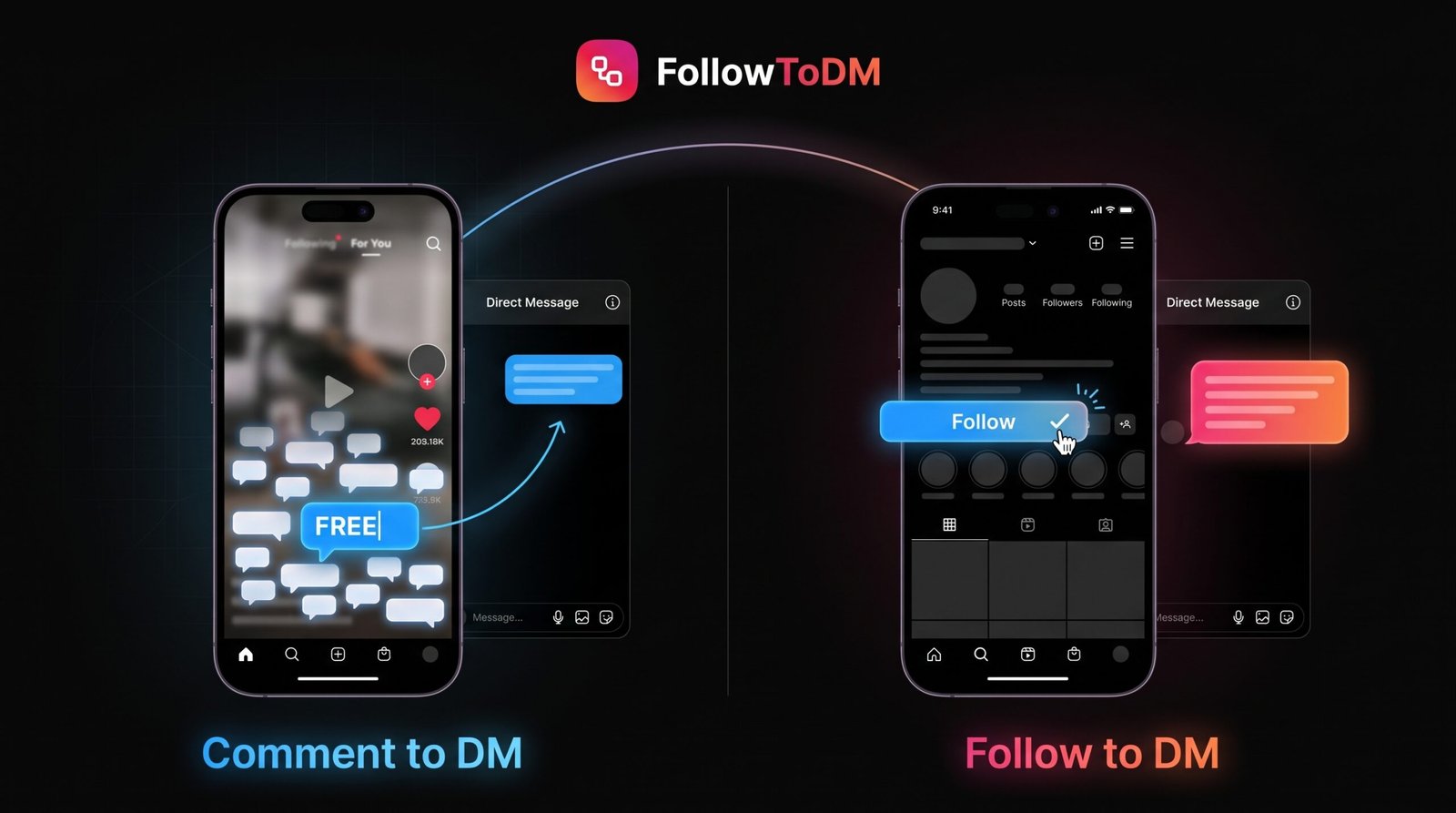
No. Comment-to-DM is triggered when someone leaves a specific keyword comment on your post. Follow to DM is triggered by a follow action. They’re both types of Instagram DM automation, but they serve different purposes and reach people at different points in their journey with your account.
ManyChat is a broad marketing automation platform with many flows across multiple channels, and its follow trigger has eligibility requirements. FollowToDM is focused only on automatically DMing new Instagram followers, which makes it simpler to set up if that’s the one thing you want to do.
Want to Automatically DM Your New Instagram Followers?
FollowToDM handles the first message so you can focus on the real conversations. Set it up in minutes.
Try It for FreeTry it free. No credit card required.