How to Automatically Send a DM When Someone Follows You on Instagram
Every new follower is a warm lead. Here’s how to say hi to all of them automatically with a personalized welcome DM, what to write, and how to do it manually if you’re just starting out.
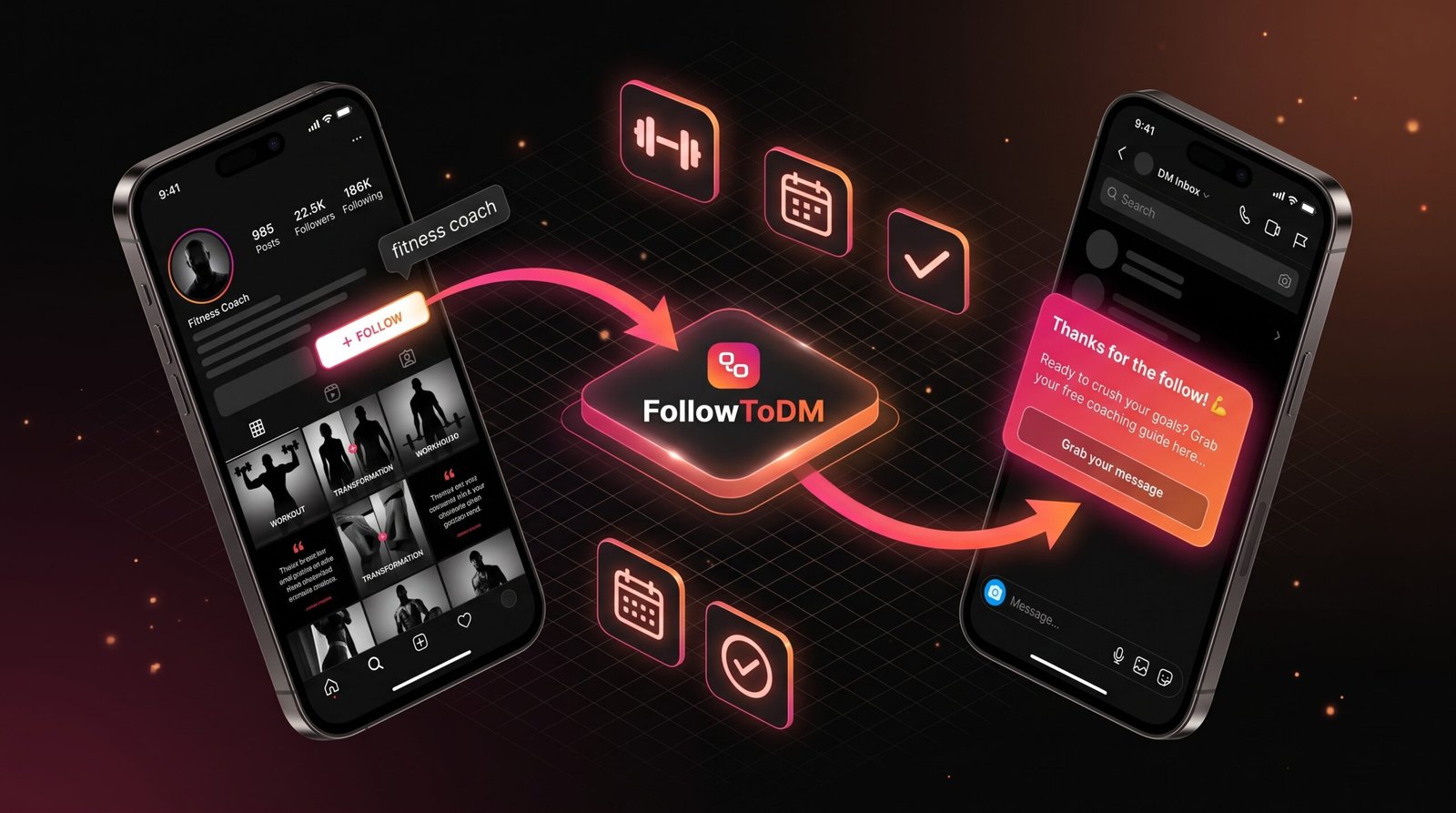
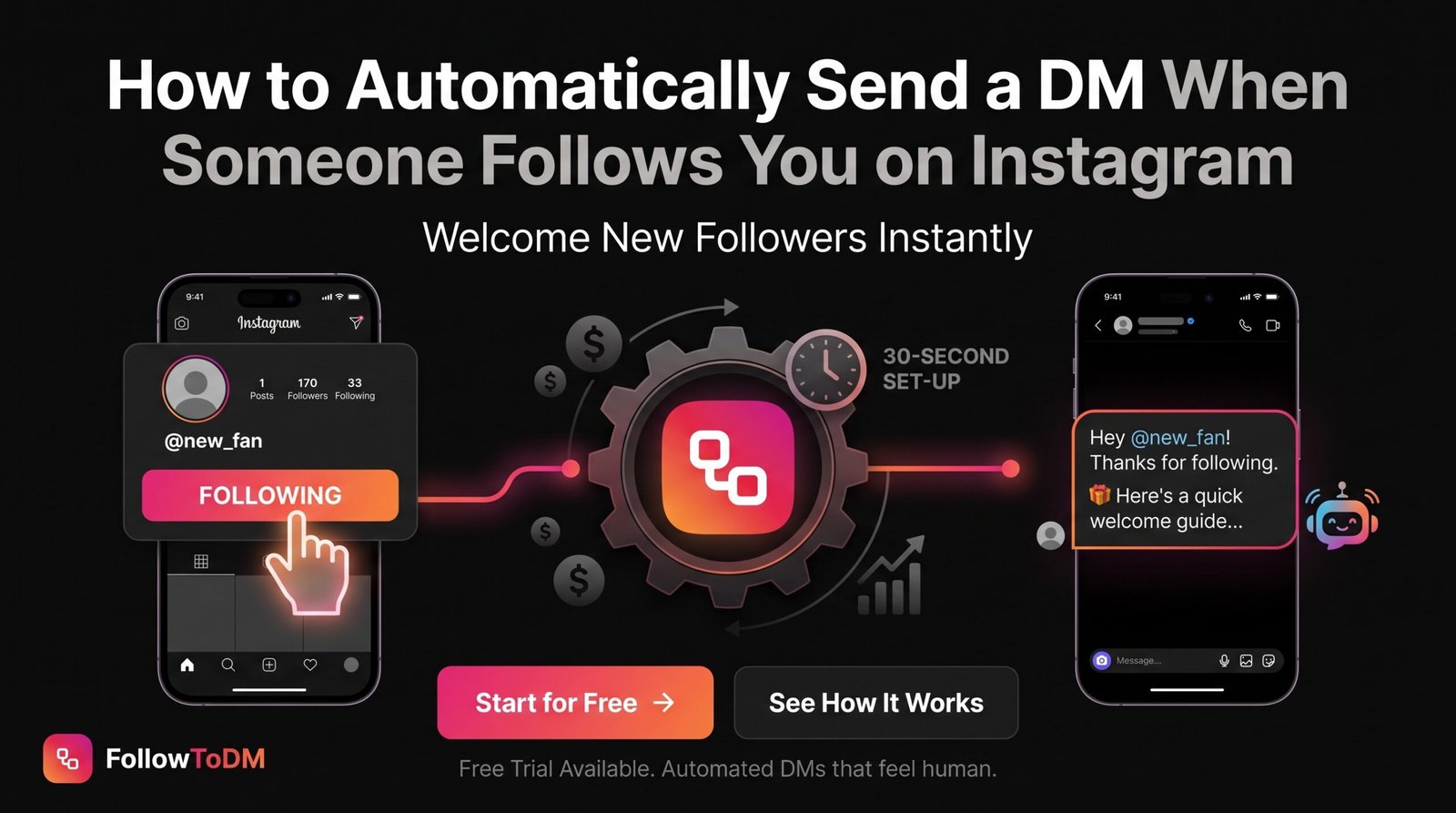
To automatically send a DM to new Instagram followers, use a tool like FollowToDM. Create an account, install the Chrome extension, log into Instagram in Chrome, write your welcome message once, and turn it on. It checks for new followers every few minutes and sends your message, personalized with their name, on a random 5 to 15 minute delay so it doesn’t feel robotic. It works on personal, Business, and Creator accounts, and there’s a free plan to test it.
Why You Should Message New Followers Right Away
When someone follows you on Instagram, they’re already interested. They saw your content, checked your profile, and decided to stick around. That’s the warmest possible lead you can get, and it’s the most attention they’ll pay you for a while.
But most people never do anything with it. They post and wait. Meanwhile, that new follower scrolls away, follows a dozen other accounts, and forgets who you are.
A quick welcome DM changes that. It starts a real conversation before they lose interest. The problem is, doing it manually for every new follower isn’t realistic once your account starts growing. That’s exactly what follow to DM automation solves.
Peak Attention Window
A new follower is at their highest point of interest right now. That attention fades fast as they keep scrolling.
Lands in Their Main Inbox
Because they follow you, your DM goes to their main inbox instead of message requests, so it actually gets seen.
Reciprocity
A personal hello from an account they just found makes people feel noticed, and more invested in what you post next.
Real Conversations
A short message that ends with a question turns silent followers into one-on-one conversations, leads, and loyal fans.
The goal of your first DM is not to sell. It’s to start a conversation. A question, a free resource, or a simple welcome gets far more replies than a pitch.
How to Set Up Automatic DMs for New Followers (Step by Step)
FollowToDM is a Chrome extension built for exactly this. There’s no API key, no Meta Business Suite approval, and no coding. Here’s what to do:
-
Go to followtodm.com and create your account
Head to followtodm.com and sign up. There’s a free plan with no credit card required, so you can test the whole thing before paying anything.
-
Install the Chrome extension and log into Instagram
Install FollowToDM from the Chrome Web Store, then make sure you’re logged into the Instagram account you want to send from in the same Chrome browser. The extension works through your own browser session, so Instagram sees normal activity from your own device.
-
Write your welcome message
Type out the DM you want new followers to receive. You can use variables like {first_name}, {last_name}, or {username} and FollowToDM will swap them out automatically for each person.
Keep it short, casual, and friendly. No pitching yet. Just a genuine hello. Need ideas? There are 8 examples below.
-
Turn it on and keep Chrome open
Activate the automation and leave Chrome running in the background. From now on, every new follower gets your message on a random delay of 5 to 15 minutes, personalized with their name. You don’t have to do anything else.
-
Reply to the conversations
When someone answers, the reply lands in your regular Instagram inbox like any normal DM. Your dashboard shows every DM that went out. Your only job now is replying to the people who write back.
FollowToDM works on personal, Business, and Creator Instagram accounts. You don’t need to switch account types, connect a Facebook Page, or meet any country eligibility rules.
What Happens After You Turn It On
Once the automation is active, the first message goes out on its own. Here’s what to expect day to day:
- FollowToDM checks your follower list every few minutes. Most new followers get your DM within about 10 to 20 minutes of following you.
- Only new followers are messaged. People who followed you before you turned it on won’t get anything.
- If someone unfollows and follows again later, they don’t get a second welcome DM.
- Replies land in your normal Instagram inbox. You take the conversation from there.
- Your dashboard shows every DM sent, so you can track volume and activity.
- If your PC is off, the automation pauses. When you’re back, it catches up and messages anyone who followed while you were away.
Why the 5 to 15 Minute Delay Matters
If someone follows you and gets a DM in the same second, it immediately feels like a bot. Even if the message itself is great, the timing kills it.
Waiting too long has the opposite problem. A welcome DM that shows up hours or days later arrives after their interest is gone, and they may not even remember why they followed you.
A short delay of 5 to 15 minutes hits the sweet spot. You’re still top of mind, but it feels like a human noticed and decided to reach out. FollowToDM randomizes the delay inside that window automatically, so there’s no fixed pattern. More on timing in when to send a DM after someone follows you.
How to Say Hi to New Followers: What Your DM Should Say
The message is the most important part. A good welcome DM gets replies. A generic “thanks for the follow” gets a read receipt. The best ones follow the same simple structure:
- Sound like a real person, not a brand announcement.
- Avoid links in the first message. Offer the resource and send the link once they reply.
- Never pitch your product or service in the opener.
8 Welcome Messages You Can Copy
Each of these is short, personal, and ends with a reason to reply. Swap in your own topic and voice.
“Hey {first_name}, thanks for the follow! What are you mainly working on right now?”
Gets them talking about themselves. Easy to answer, so it gets a lot of replies.
“Hey {first_name}, glad you’re here! Quick question: what brought you to my page? Always curious what people are looking for.”
Hard to ignore, and every reply tells you which content is bringing people in.
“Hey {first_name}, welcome! I put together a free [guide / checklist / resource] that most people here find super useful. Want me to send it over?”
Giving before asking builds goodwill fast. Send the link once they say yes.
“Hey {first_name}, welcome! I post about [topic] a few times a week, mostly the stuff people don’t usually talk about. Is there something you’re hoping to see more of?”
Builds intrigue, and the answers are free ideas for your content calendar.
“Hey {first_name}, welcome! I help [type of person] with [specific problem]. Is that something you’re working on right now, or are you earlier in the journey? Happy to share a few thoughts either way.”
The “either way” close takes the pressure off, so people reply even if they’re not ready to buy. More in our DM templates for coaches.
“Hey {first_name}, appreciate the follow! Are you into [topic] because you’re just learning about it, or are you actively working on it right now?”
Two easy options make replying simple, and the answer tells you how warm the lead is.
“Hey {first_name}, thanks for following [Brand Name]! Here’s 10% off your first order as a little welcome gift: [CODE]. Let me know if you have any questions about the store.”
A welcome code feels exclusive and is one of the fastest paths to a first purchase. See more DM templates for ecom brands.
“Hey {first_name}, welcome to [Business Name]! We’re based in [City] and would love to have you come by. Have you visited before, or is this your first time hearing about us?”
The question sorts new discoveries from returning customers, so you know how to follow up.
Want more? Grab our 25 Instagram welcome DM templates organized by niche, or see what to say when someone follows you on Instagram.
One rule for every message: don’t pitch anything in the first DM. No service, no package, no “book a call.” The goal is just to start a conversation. The sale comes later.
How to Send a Welcome DM Manually (and When to Switch)
If you’re just starting out and only get a few new followers a day, you can send welcome DMs by hand:
-
Check your new followers
Open Instagram and check your notifications for new follows, or open your follower list on your profile.
-
Open their profile and tap Message
This opens a DM thread directly with that person.
-
Send your welcome message
Use their name, keep it short, and end with a question. No link and no pitch in this first message.
-
Repeat for every new follower
That’s the problem. 20 new followers means 20 messages. At 100 a day, it’s no longer possible to keep up, and late messages miss the moment anyway.
| What you’re comparing | Manual DMs | Automatic (FollowToDM) |
|---|---|---|
| Time per follower | A few minutes each | Zero after setup |
| Timing | Whenever you remember, often hours late | Random 5 to 15 minutes after detection |
| Consistency | Easy to forget on busy weeks | Every new follower gets messaged |
| Scales with growth | Breaks down past a few dozen a day | Works the same at any volume |
| Tracking | None | Dashboard of every DM sent |
A good rule: manual works while you’re getting a handful of new followers a day. Once you start missing people or replying late, automate the first message and keep the replies personal. You get speed and scale on the send, and real human conversation on the reply.
How FollowToDM Compares to Other Options
There are a few ways to try to automate Instagram DMs to new followers. Here’s how they stack up:
| Option | Triggers on new follows | Send timing | Setup | Account types |
|---|---|---|---|---|
| FollowToDM | Yes, built for it | Random 5–15 min | A few minutes | Personal, Business, Creator |
| ManyChat follow trigger | Yes, but can miss followers | Preset flow timing | Flow builder, more complex | Accounts that meet its eligibility rules |
| Manual DMs | Only if you remember | Whenever you check | None, but daily time cost | All |
| Generic DM tools | Usually no | Varies | Varies | Often Business only |
ManyChat is excellent for comment triggers, story replies, and keyword flows. But its follow trigger depends on Instagram reporting each new follower to it, so messages can arrive late or not at all (here’s how to fix ManyChat’s new follower DM). FollowToDM checks your follower list directly. For a full breakdown, see ManyChat vs FollowToDM or our list of the best tools to message new followers.
Tips to Get More Replies
The automation handles the sending. Getting people to reply comes down to the message and what they see when they check you out.
Ask one question, not three
Multiple questions feel like a form. One simple question gets answered.
Cut it in half
Most first drafts are twice as long as they need to be. Two tight sentences beat four comfortable ones.
Write how you talk
Read it out loud. If a line sounds like marketing copy, rewrite it the way you’d say it to someone you just met.
Go easy on exclamation points
One is friendly. One on every sentence reads as fake enthusiasm.
Test and track
Run one message for a couple of weeks, then try another and compare reply rates. Refresh it every couple of months so it stays current.
Keep your profile strong
Most people check your profile before replying. A clear bio and consistent posts make them trust you enough to answer.
Keep Your Account Safe
Automating welcome DMs is very different from cold-messaging strangers. A few rules keep your activity looking natural:
- Only message people who followed you
- Send one welcome DM per follower
- Use a random delay, not instant sends
- Stay within your plan’s daily limit
- Personalize with their name
- Cold DMs to people who don’t follow you
- Automatic follow-ups to people who didn’t reply
- Links or promos in the first message
- Blasting huge volumes in a short time
- Pushy, salesy wording that gets reported
Any automation carries some risk, so keep messages genuine and volumes reasonable. For the full picture, read is FollowToDM safe? and why most Instagram DM tools get accounts banned.
What to Do After Someone Replies
The automated message starts the conversation. Your reply is what turns it into a relationship. Someone who answers a welcome DM is already more engaged than most of your followers, so treat it as a priority.
-
Reply the same day and keep it conversational
Answer while they’re still warm. Ask a natural follow-up based on what they said instead of jumping to what you sell.
-
Learn what they actually need
Two or three messages in, you’ll know enough to offer something genuinely relevant, which works far better than the same pitch for everyone.
-
Offer a useful next step
Share a free guide, a relevant post, or a soft invitation to learn more. If it fits, this is a good moment to ask for their email.
-
Move it off Instagram when the time is right
DMs are great for starting conversations. Email, a call, or a purchase link is usually where conversion happens.
As replies grow, answer them in batches once or twice a day, keep a few saved responses for common answers, and watch for patterns. What people say in replies is some of the most honest audience feedback you’ll get. For the full playbook, see how to convert Instagram followers into clients.
Who This Works For
Automatic welcome DMs work for almost any account that wants to turn followers into conversations. Here’s who gets the most out of it:
- Coaches and consultants who want to start conversations with potential clients the moment they show interest
- Content creators and educators who want a real audience, not just a follower count
- Marketing agencies looking to qualify leads that come through Instagram organically
- Ecommerce brands that want to welcome new followers with a discount or a personal touch
- Local businesses that want to turn new followers into first-time visitors
- Real estate agents who need to know if a new follower is a buyer, seller, or just browsing
- Freelancers who use Instagram to attract clients and want to reach out while interest is fresh
If Instagram is part of how you find customers or clients, automating the first DM is one of the highest-leverage things you can do with your account. For more ways to keep new followers engaged after the first message, see how to engage new Instagram followers.
Frequently Asked Questions
Yes. Instagram doesn’t have a built-in welcome message for new followers, but tools like FollowToDM detect new follows and send your pre-written DM automatically, personalized with each follower’s name and sent on a natural delay.
FollowToDM works on personal, Business, and Creator Instagram accounts. You don’t need to switch account types or connect a Facebook Page.
FollowToDM checks for new followers every few minutes, then waits a random 5 to 15 minutes before sending. Most new followers get their DM within about 10 to 20 minutes of following you, while you’re still fresh in their mind.
No. The automation only triggers for new followers after you activate it. People who followed you before setup won’t receive a message, and someone who unfollows and re-follows won’t get a second welcome DM.
You can use the follower’s first name, last name, and username in your message template. FollowToDM fills those in automatically for each person before sending.
Right now FollowToDM sends one template message to all new followers. You can write that message to be as broad or niche-specific as you want, and update it any time. Every future follower gets the new version.
Their main inbox. Instagram puts messages from accounts you follow in your main inbox, and since the person just followed you, your welcome DM lands there instead of in message requests.
Some might suspect it, but most won’t, especially when the message is short, conversational, and ends with a real question. The random send delay avoids the biggest giveaway: a DM that arrives the second they follow. Even people who suspect automation often appreciate the hello and reply anyway.
FollowToDM is designed to behave like a normal user: it sends one personalized message per new follower, on a random delay, within your plan’s daily limit, through your own browser. That keeps activity close to normal usage. Any automation carries some risk, so keep messages genuine and avoid links in the first DM. More in is FollowToDM safe?
Yes. FollowToDM runs as a Chrome extension, so Chrome needs to be open for it to detect followers and send DMs. If your PC is off, it pauses and then catches up when you’re back, messaging anyone who followed while you were away.
Not in the first message. Links in a first DM feel pushy and can get filtered. Offer the resource instead (“Want me to send it?”) and share the link once they reply.
Yes. The free plan lets you send up to 15 DMs a month with no credit card and no expiration, so you can see it working first. Paid plans start at $29/month for 20 DMs a day, and the Premium plan at $49/month has no daily limit. Agencies can get volume pricing for multiple accounts.
ManyChat is a broad chatbot platform where the follow trigger is one feature among many, and it has eligibility requirements that not every account meets. FollowToDM does one thing: automatically DM new Instagram followers, with simpler setup on any account type. Many accounts use both. See our ManyChat Follow to DM review.
Ready to Say Hi to Every New Follower Automatically?
FollowToDM sends a personalized welcome DM to every new follower on a natural delay. No credit card, no complicated setup, just more conversations from the followers you’re already getting.
Try FollowToDM FreeFree plan: 15 DMs/month. No credit card required.